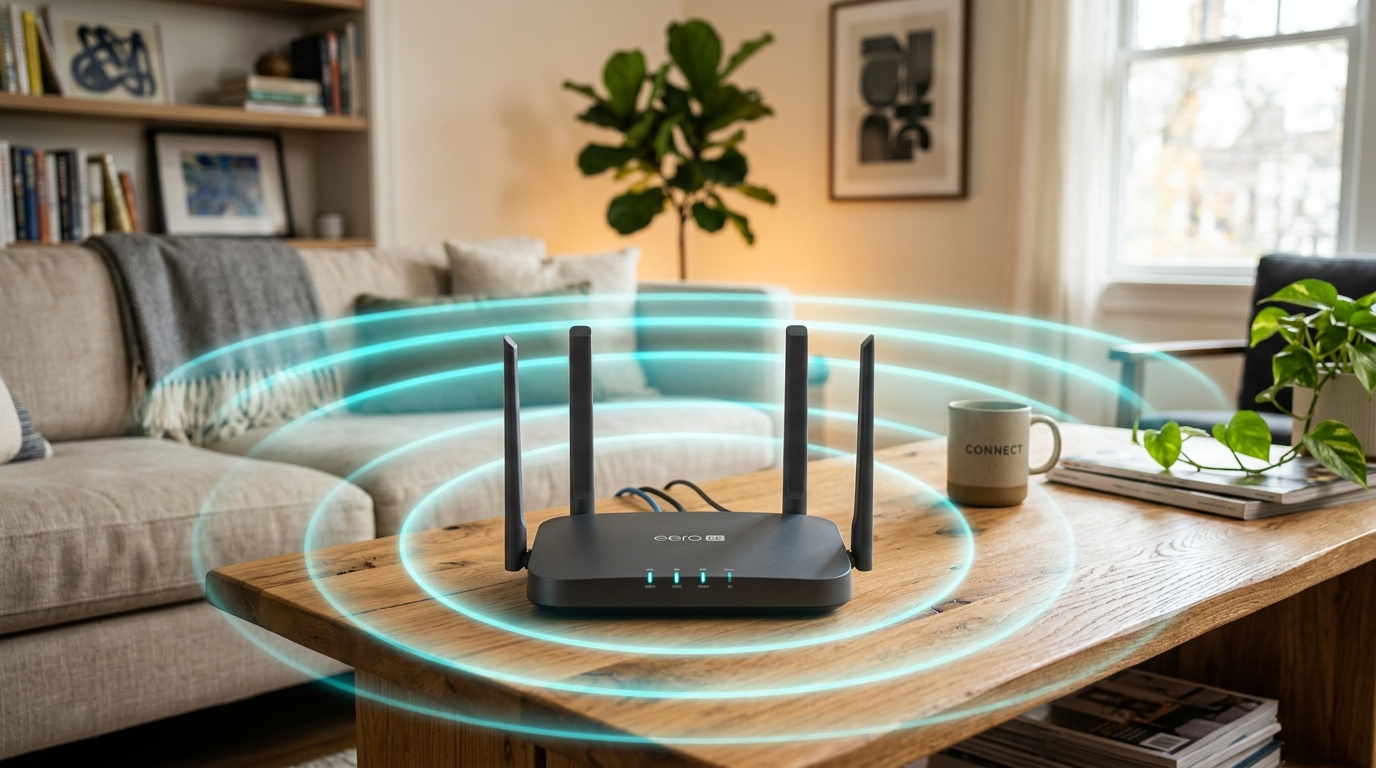
Wireless networking technology continues to advance at a rapid pace. Just as Wi-Fi 6 (802.11ax) became the standard for modern homes and commercial offices, Wi-Fi 7 (IEEE 802.11be / Extremely High Throughput) has hit consumer and enterprise markets. But what does this new standard actually offer, and is it worth the investment for your property?
What Makes Wi-Fi 7 Different?
Wi-Fi 7 isn't just an incremental speed bump; it introduces foundational architectural enhancements designed for high-density environments and ultra-low latency applications:
- Multi-Link Operation (MLO): In older standards, devices connect to only one frequency band (2.4 GHz, 5 GHz, or 6 GHz) at a time. MLO allows Wi-Fi 7 routers and compatible client devices to transmit and receive data simultaneously across multiple bands. This virtually eliminates buffering, cuts latency down to single-digit milliseconds, and ensures automatic failover if one band encounters interference.
- 320 MHz Ultra-Wide Channels: Wi-Fi 7 doubles the maximum channel bandwidth from 160 MHz to 320 MHz in the 6 GHz spectrum, enabling multi-gigabit wireless data throughput that rivals physical copper Ethernet cables.
- 4096-QAM (4K QAM):Increases modulation density by 20% compared to Wi-Fi 6's 1024-QAM, allowing each signal to pack more raw data bits per transmission cycle.
Do Your Current Devices Support Wi-Fi 7?
Wi-Fi 7 routers are fully backward compatible with all existing Wi-Fi 6, Wi-Fi 5, and older 2.4 GHz IoT smart devices. However, to achieve maximum theoretical speeds and take advantage of Multi-Link Operation, your laptops, smartphones, and tablets must also feature a Wi-Fi 7 wireless network card.
Even if your individual phones are still Wi-Fi 6, a Wi-Fi 7 mesh system provides immediate benefits: the dedicated wireless backhaul connecting the mesh nodes to each other utilizes Wi-Fi 7 MLO, giving your entire property dramatically faster speeds and eliminating dead spots throughout the building.
When to Upgrade vs. Sticking with Wi-Fi 6
Stick with Wi-Fi 6 / 6E If:
- • You are on a standard NBN 50 or NBN 100 internet plan.
- • You have a single-story home with light-to-moderate device usage.
- • Your current Wi-Fi 6 mesh provides full signal coverage without dropouts.
Upgrade to Wi-Fi 7 If:
- • You subscribe to NBN 250, NBN 1000 (Gigabit), or commercial fibre.
- • You run an office or medical clinic with 30+ simultaneous devices.
- • You transfer large files to a local NAS, edit 4K/8K video, or host VR workflows.
Professional Network Auditing & Wi-Fi Tuning
Simply placing a new router in the corner often won't solve connectivity issues caused by brick walls, electrical interference, or poor channel allocation. A professional wireless site survey ensures optimal router and node placement, clean backhaul cabling, and segmented guest networks.
Ready for Gigabit Wi-Fi Without Dead Zones?
Techtonic Shift performs complete wireless heatmapping, mesh installations, and commercial network optimizations across Ipswich and Brisbane.
Book On-Site Wi-Fi Survey & Setup